Installing Java printing (customer side) Download the following: http://customers.creativecomputing.com.au/winprint/crecomps_install.exe
Because this program is unsigned, you may get a warning "crecomps_install.exe isn't commonly downloaded, Make sure you trust crecomps_install.exe before you open it" If you do, you have to tell windows that you do want to keep this file:
Click on the downloads icon of your browser:
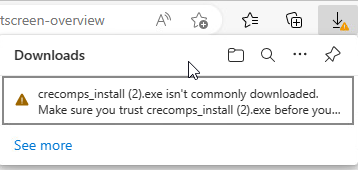
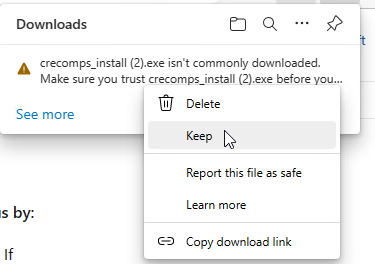
Click on the 3 dots following the warning message and choose "keep"
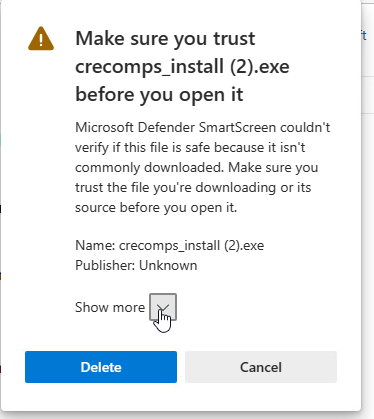
On the screen that shows up, click the down arrow next to "show more"
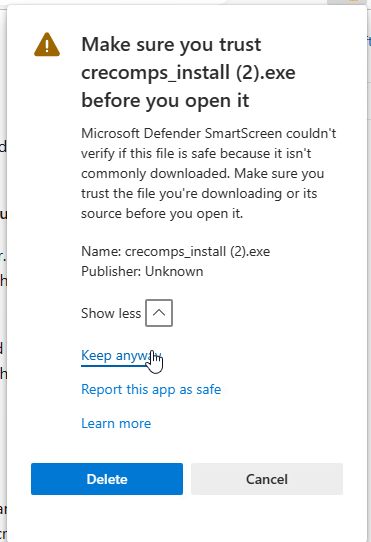
And choose "keep anyway"
Now double click on the crecomps_install.exe:
If you get a windows defender warning:
Click on "more info":
Click on "run anyway":
If you get another "User Account Control" warning:
Click on "yes"
The installer will run:
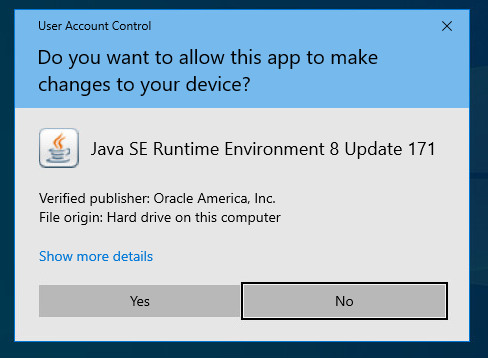
At the end it will install Java:
If you get "User Account Control" warning, click on "Yes"
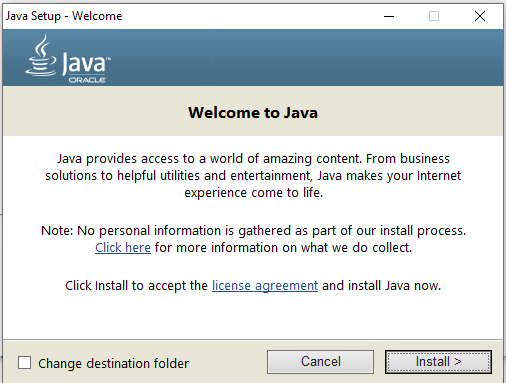
Click Install
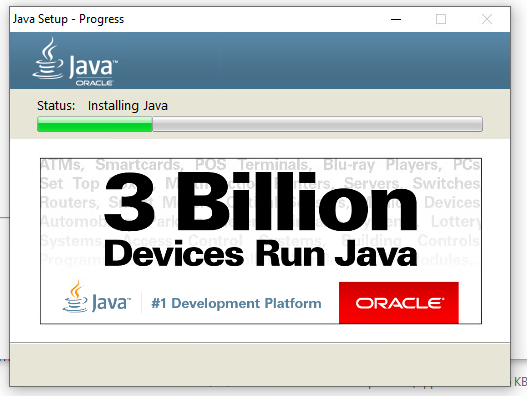
Wait for install to complete:
Click Close: